

Wolt order workflow
Bring Wolt orders into the same queue as the rest of service
Quickord gives the team a shared view of Wolt and direct orders, helping the kitchen prioritise the complete workload without losing channel context.
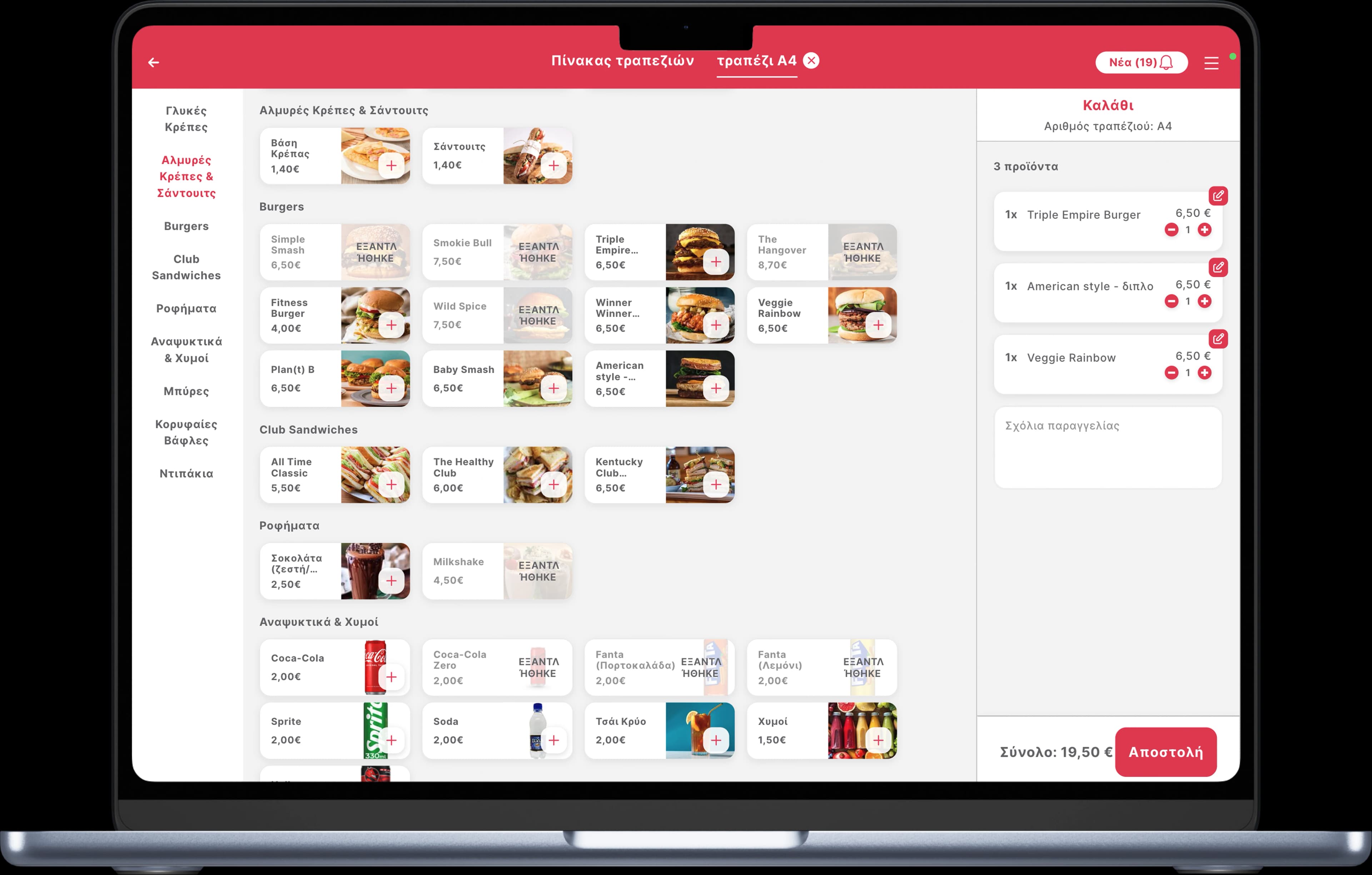
One handoff process from incoming order to kitchen completion.
The operational flow
From Wolt to preparation
- 01
Capture
Wolt order details enter the connected Quickord workflow with the channel clearly labelled.
- 02
Coordinate
Preparation teams work from the same queue used for the venue’s other active orders.
- 03
Review
Managers can review operational status while retaining Wolt as the original source.
What we organise during implementation
Clear modifiers
Map option groups so preparation instructions remain clear under pressure.
Unified kitchen load
Make Wolt volume visible alongside dine-in, takeaway and other delivery demand.
Consistent statuses
Train the team on one internal progress language rather than a different routine for each device.
Frequently asked questions
Can Wolt orders appear with direct restaurant orders?
Yes. The purpose of the connected view is to show the full operational workload while retaining each order’s source.
Does the kitchen need a separate Wolt process?
The intended setup uses the same internal preparation stages, with the source available when an exception needs platform-specific handling.
Can you confirm compatibility before we commit?
Yes. Quickord reviews the venue’s current Wolt and operational setup before confirming scope and activation steps.
 efood
efood BOX
BOX