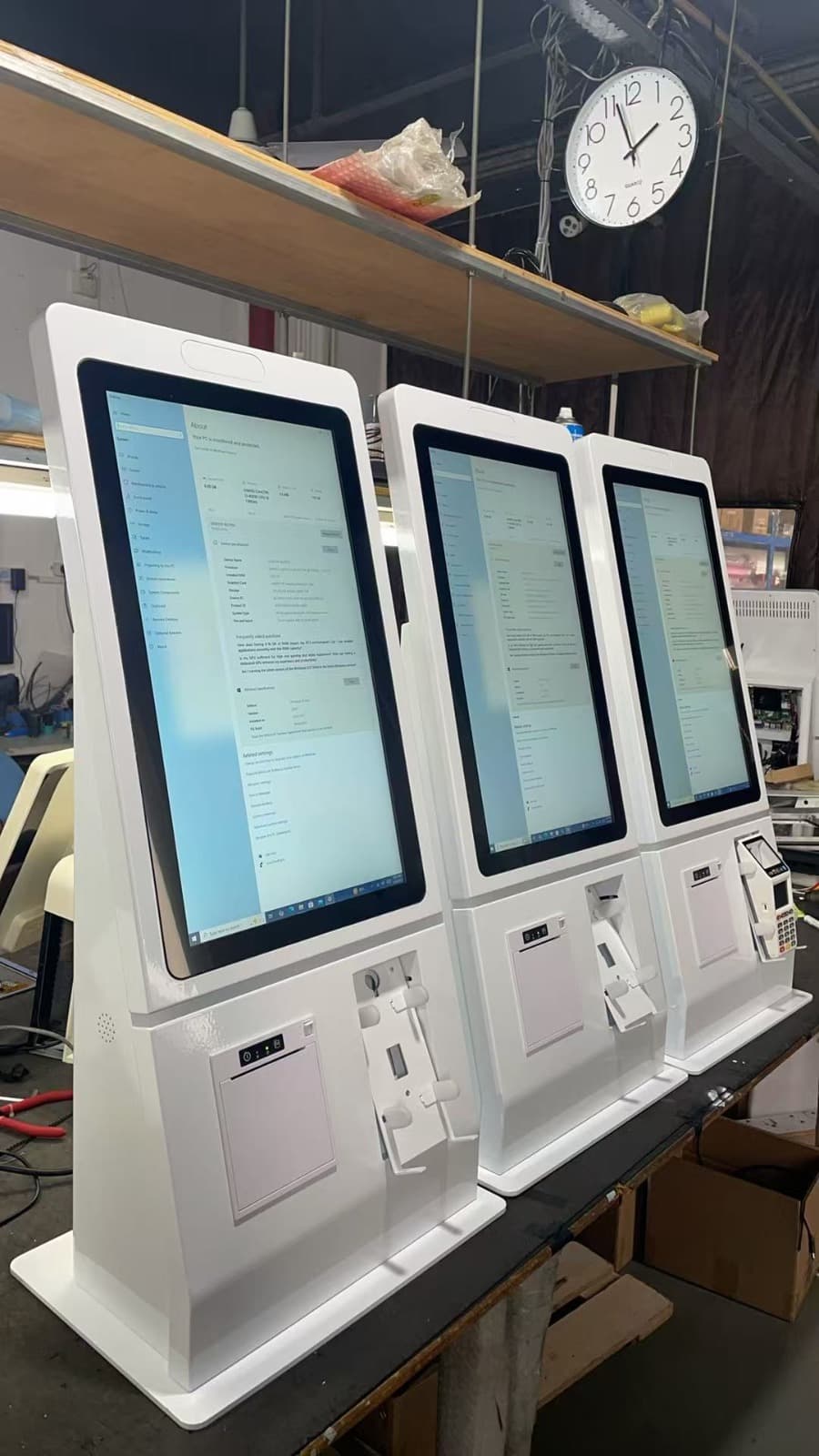
21.5″ ordering kiosk
€1,149.99
Hardware · one-time
View specifications
Self-Ordering Kiosk
More places to order. Less waiting at the counter.
With a Quickord self-service kiosk, customers choose products and extras on a touchscreen. Orders reach the kitchen through the same system your team uses.
A self-ordering kiosk is a touchscreen ordering point. Customers browse the menu, choose products and customise their order. Payment and receipt options depend on the equipment configured for your installation.
Independent touchscreen ordering
Payments configured for your installation
Automatic receipt printing after completion
From menu to receipt, in 5 simple steps
The customer browses the digital menu through the kiosk's touchscreen.
They select the products they want, add notes or extras and place them in the cart.
They choose whether to take the order as takeaway or eat at the venue, based on the business settings.
The customer pays using the payment option available at your installation.
The receipt is printed automatically and the order is sent to the kitchen.
Choose a screen size to suit your space and menu. The amounts below cover hardware, rather than a complete operating package.
€1,149.99
Hardware · one-time
View specifications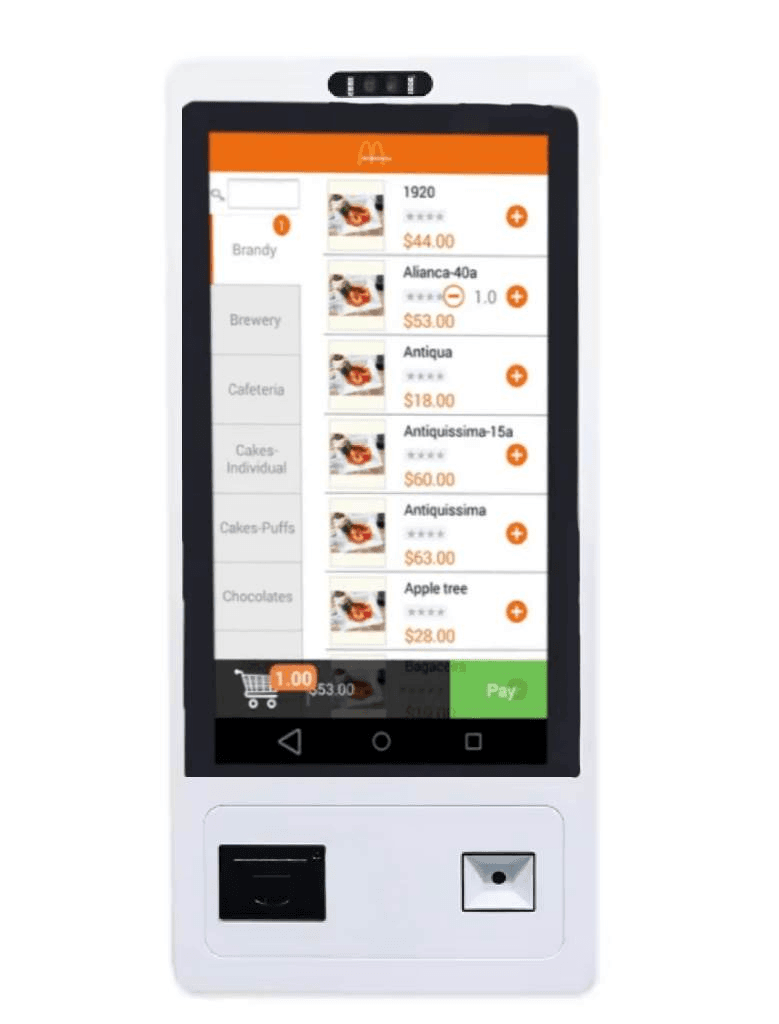
€1,399.99
Hardware · one-time
View specifications€1,499.99
Hardware · one-time
View specificationsIndicative catalog prices. Your final quote confirms configuration, VAT, software, payments and installation.
Quickord manages your menu, product options and kitchen workflow. Explore the software services and request a quote for the number of kiosks your venue needs.
Explore software servicesBefore selecting hardware, we review your payment terminal, receipt setup, network connection and kitchen printers or KDS. Send us your existing equipment models for a compatibility check.
Request a kiosk quoteShare orders between kiosks and the counter. Customers choose sizes, ingredients and extras before their order goes into preparation.
Provide a separate ordering point for coffee, drinks and snacks, with the choices you have configured in your menu.
Organise takeaway and dine-in ordering. Keep your team available for questions and assistance.
Why choose a self-ordering kiosk for your business
Add ordering points to reduce pressure on your counter during busy periods.
Reduce the need for order-taking staff, focusing on better service quality.
Kiosks increase average order value through upselling and extras suggestions.
Orders arrive automatically in the kitchen, eliminating delays.
Customers select products and extras on screen before completing their order.
Offer a modern purchasing experience that impresses your customers.
Available payment methods depend on your terminal and installation configuration. Accepting cash requires dedicated compatible equipment. We confirm payment options in your quote.
Yes! The customer chooses whether to take the order as takeaway or eat at the venue. This option appears only if the business supports both choices.
Yes, after completing the payment, a receipt is automatically printed from the kiosk's built-in printer.
Once the customer completes the payment, the order is automatically sent to the Quickord system and displayed on the kitchen display screen (KDS) or printed on the kitchen printer.
Installation is very simple. Our team handles the kiosk setup, connection to the Quickord system and training of your staff.
The total depends on the screen, payment hardware, software and installation. Compare the indicative hardware prices on this page and request a complete quote for your venue.
Send us your screen or kiosk model, operating system, printer and payment terminal. Our team checks compatibility before recommending an installation or new equipment.
Quickord Kiosk uses the Quickord system for menu and order management. If you use another platform, we need to review your specific setup before confirming integration options.
It can operate alongside your counter as an additional ordering point. Staff remain available for assistance, special requests and customers who prefer personal service.
See how ordering works on Quickord Kiosk and discuss hardware, payments and installation for your venue.