
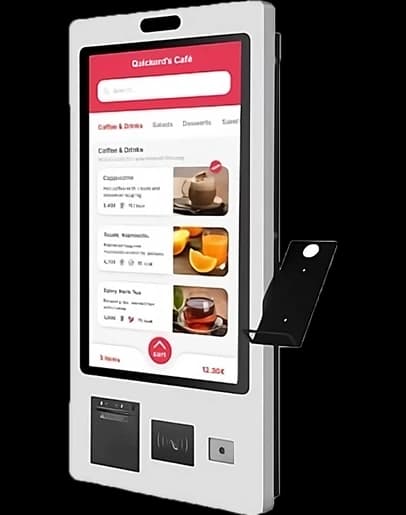
Service model comparison
Self-Ordering Kiosk vs Cashier Ordering
A kiosk adds ordering capacity without adding another staffed till, while a cashier handles questions and exceptions naturally. Most venues benefit from a deliberate hybrid rather than treating either channel as universal.
Channel strengths
| Criterion | Cashier | Self-ordering kiosk |
|---|---|---|
| Customer guidance | Immediate human explanation | Consistent on-screen prompts |
| Peak capacity | Limited by staffed till positions | Adds parallel order points |
| Upselling | Depends on staff habit and workload | Prompts every relevant customer |
| Exceptions | Handled conversationally | Needs staff assistance or configured options |
Step 1
Kiosks work best for repeatable decisions
Clear categories, product photos and structured modifiers let customers complete common orders without waiting.
- Keep the first screen simple
- Limit modifier overload
- Show payment and collection steps clearly
Step 2
Keep a human path visible
Accessibility needs, complex allergies, cash handling and customer preference make staffed service an important part of a complete setup.
- Position assistance near the kiosk
- Design an accessible interaction height
- Route kiosk and cashier orders to one queue
Measure queue time, not kiosk usage alone
Success means faster total service and a balanced production load, not forcing every customer onto a screen.
FAQ
Frequently asked questions
Should a kiosk replace the cashier?
Usually no. A hybrid model adds capacity while preserving help for exceptions and customer preference.
Can kiosk orders use the same kitchen flow?
Yes. They should join the same production queue with a clear source label.
What should the pilot measure?
Measure completion rate, assistance requests, queue time, order accuracy and production impact.
Design the right cashier and kiosk mix
We can review your queue, menu and collection flow and demonstrate a hybrid Quickord setup.
Book a Quickord demo