

efood order workflow
Manage efood orders inside one restaurant workflow
Quickord brings incoming efood orders into the same operational view used by your team, while keeping the platform source visible from acceptance to preparation.
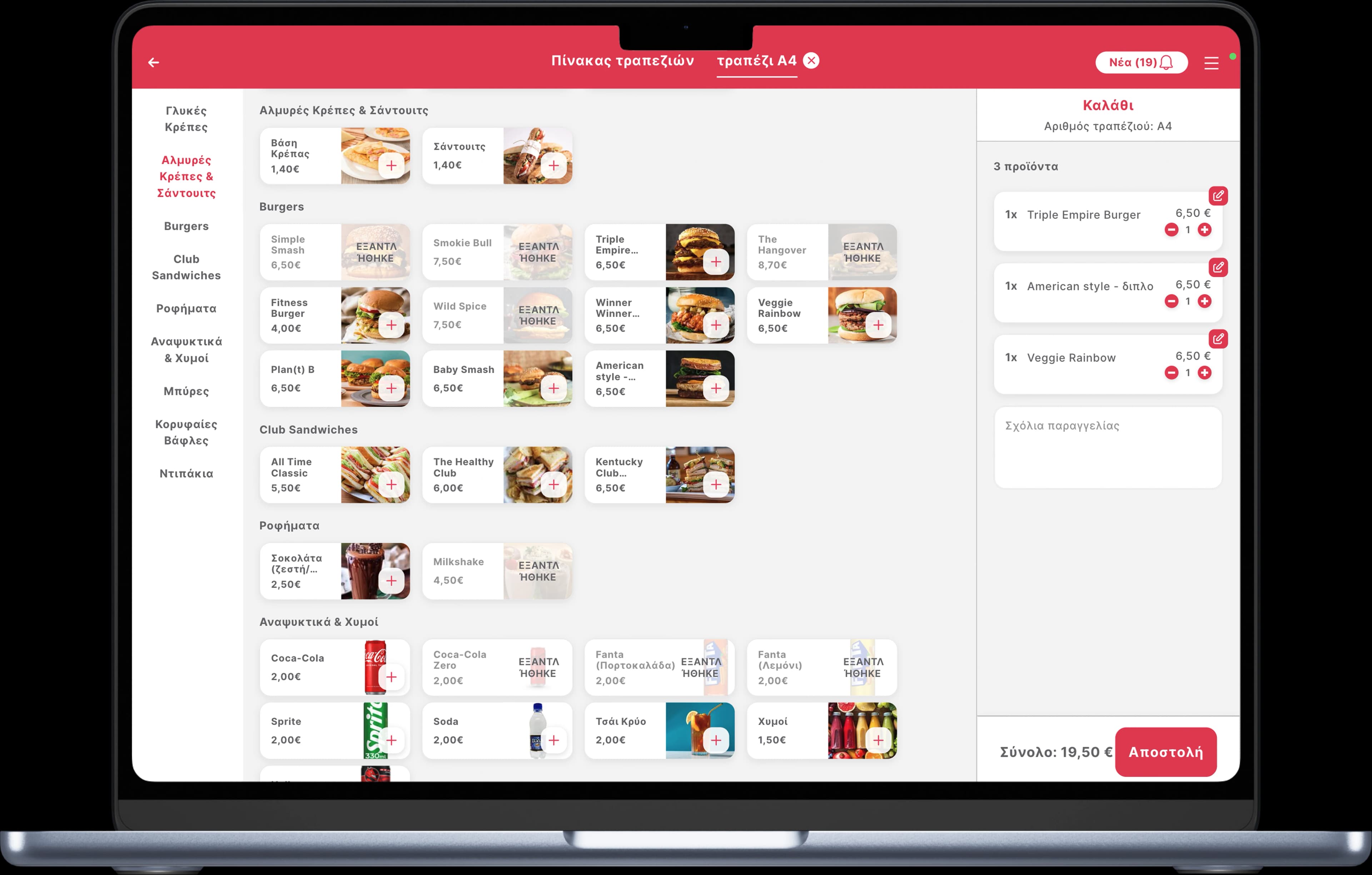
Less device switching and a clearer production queue during delivery peaks.
The operational flow
From efood to preparation
- 01
Receive
Incoming efood orders enter the connected Quickord order view with their source and order details.
- 02
Route
Items move to the relevant kitchen or preparation point without a separate manual entry step.
- 03
Track
The team follows one status workflow while managers retain visibility of the efood source.
What we organise during implementation
Menu mapping
Align products and modifiers before launch so the kitchen receives unambiguous items.
Peak-hour visibility
See efood demand alongside every other active order instead of treating it as a separate queue.
Source-aware reporting
Keep the source attached to the order for operational review and reporting.
Frequently asked questions
Does Quickord replace the efood customer app?
No. Customers continue ordering through efood. Quickord supports the restaurant-side workflow after an order is received.
Can efood orders remain identifiable?
Yes. The platform source remains visible so the team can manage exceptions and reporting correctly.
What is needed before activation?
The team reviews the current menu, modifiers, preparation routing and platform setup before confirming the implementation plan.
 Wolt
Wolt BOX
BOX