

BOX order workflow
Connect BOX orders to the restaurant’s daily operation
Quickord keeps BOX orders visible in the same working environment as the venue’s other channels, with a clear path from receipt to preparation and review.
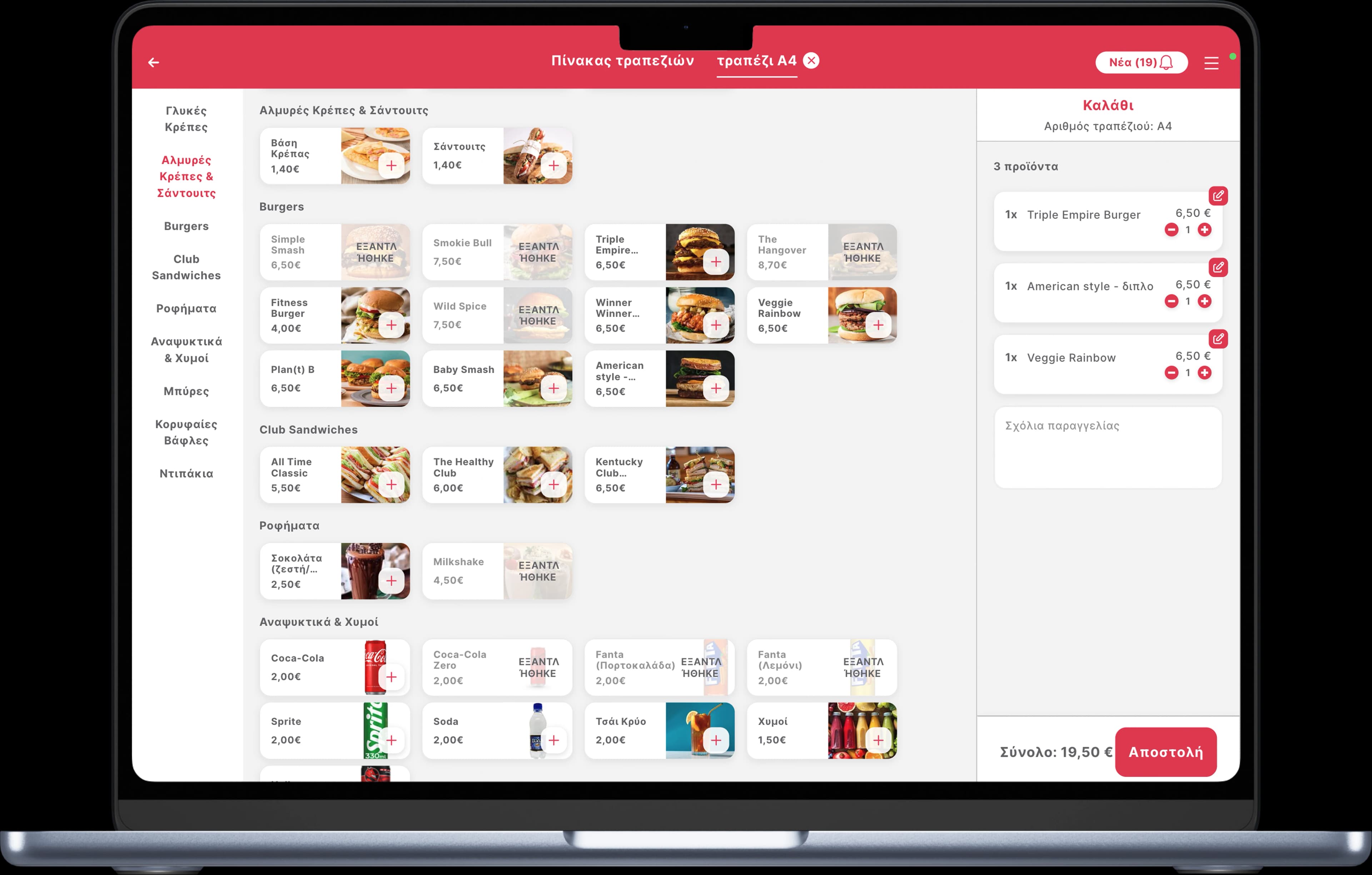
A repeatable delivery workflow without another isolated operational queue.
The operational flow
From BOX to preparation
- 01
Import
Connected BOX orders enter Quickord with their products, options and source context.
- 02
Prepare
The kitchen follows the venue’s shared order stages instead of monitoring an isolated queue.
- 03
Control
Managers keep a complete view of current workload and can review BOX orders by source.
What we organise during implementation
Product consistency
Review product names, options and routing so BOX orders match the internal menu structure.
Operational exceptions
Make unmatched items or connection issues visible so the team has a defined response.
Channel context
Preserve BOX as the source while using one shared production workflow.
Frequently asked questions
Will BOX remain visible as the order source?
Yes. The connected workflow unifies operational handling without removing the source information needed for support and reporting.
Can BOX, efood and Wolt be handled together?
Quickord is designed to bring supported delivery channels into one operational view. The exact setup is confirmed during implementation review.
How do we prepare for setup?
Prepare your current menu, modifier structure, preparation stations and list of active order channels for the Quickord implementation review.
 efood
efood Wolt
Wolt