
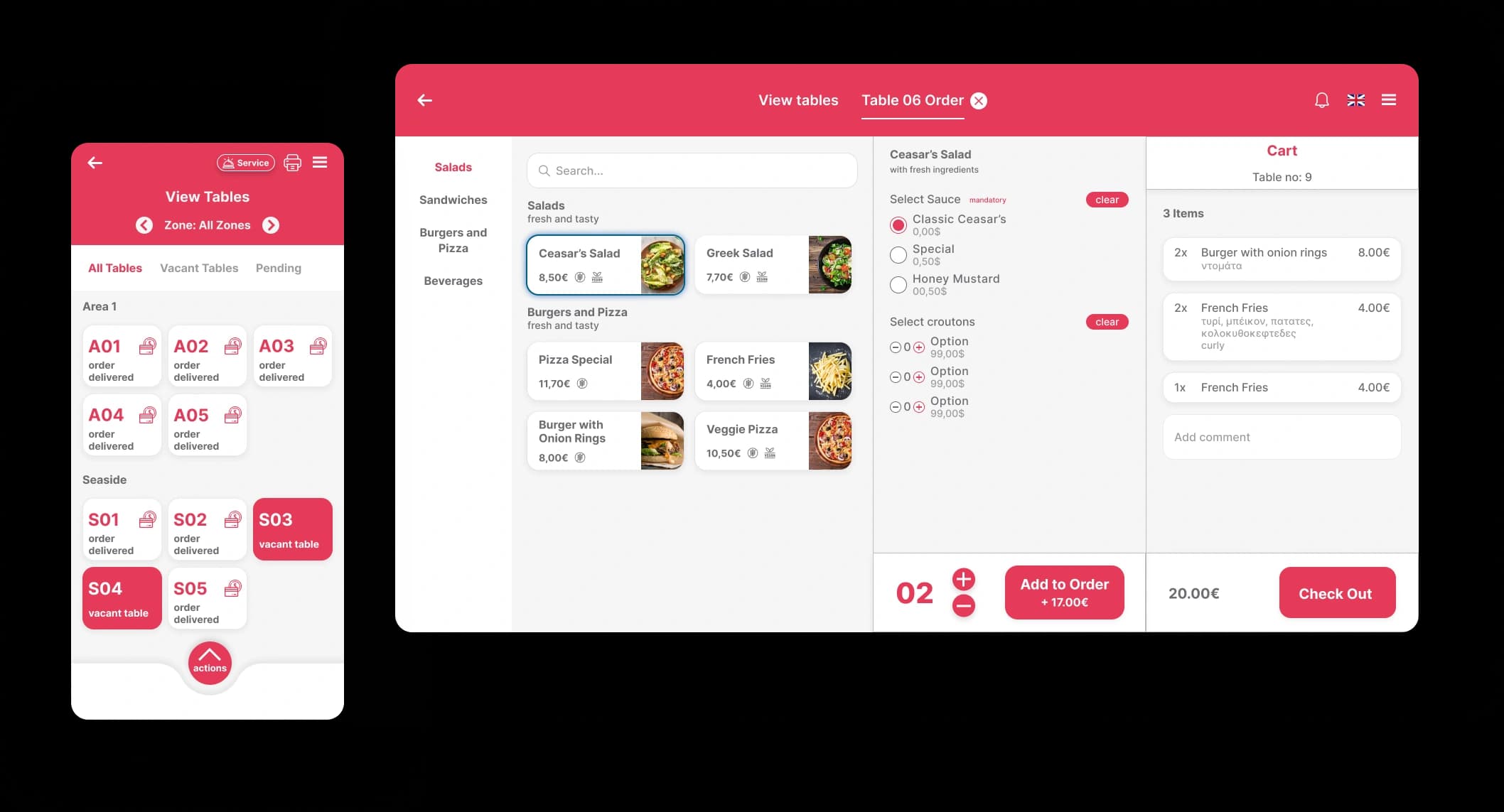
Platform comparison
Restaurant POS vs Restaurant Operating System
A POS records sales and payments. A restaurant operating system connects that transaction with the workflows that create it: ordering, kitchen production, delivery channels, staffing, inventory, compliance and management analysis.
What is a restaurant operating system?
A restaurant operating system is software that runs the whole service workflow in one place: orders from tables, QR, phone, kiosk and delivery, plus the kitchen, staff, stock, compliance and reporting. A POS is one part of it, the part that records the sale and the payment.
Scope comparison
| Criterion | Restaurant POS | Operating system |
|---|---|---|
| Primary job | Record sales and payments | Coordinate end-to-end operations |
| Order channels | Often centred on the till | Tables, QR, phone, kiosk and delivery |
| Management data | Sales and payment reports | Sales plus workflow, stock and team context |
| Expansion | Additional tools may remain separate | Capabilities share one operating model |
Step 1
A POS is enough when the requirement is narrow
A simple venue may only need reliable sales, receipts and payments. Extra complexity should solve a real workflow problem.
- Define required sales and fiscal functions
- Avoid buying modules without owners
- Keep the daily workflow understandable
Step 2
Connected operations matter as channels grow
When dine-in, takeaway, delivery and online ordering share production capacity, a connected view prevents duplicated work and fragmented decisions.
- One order record across stations
- Inventory changes connected to sales
- Reports tied to operational context
Buy for the workflow you will operate
The best system is not the one with the longest feature list. It is the one your team can run consistently across every service channel.
FAQ
Frequently asked questions
Does an operating system replace payment hardware?
Not necessarily. It coordinates software workflows and can work with compatible payment and fiscal equipment.
Can a venue start with only ordering?
Yes. A modular approach lets the team establish one workflow before adding stock, staff or integrations.
What should be mapped before migration?
Map products, taxes, order channels, kitchen stations, users, integrations and reporting requirements.
Map the operating stack your venue actually needs
We will review your channels, team and reporting needs and demonstrate only the relevant Quickord workflows.
Book a Quickord demo