
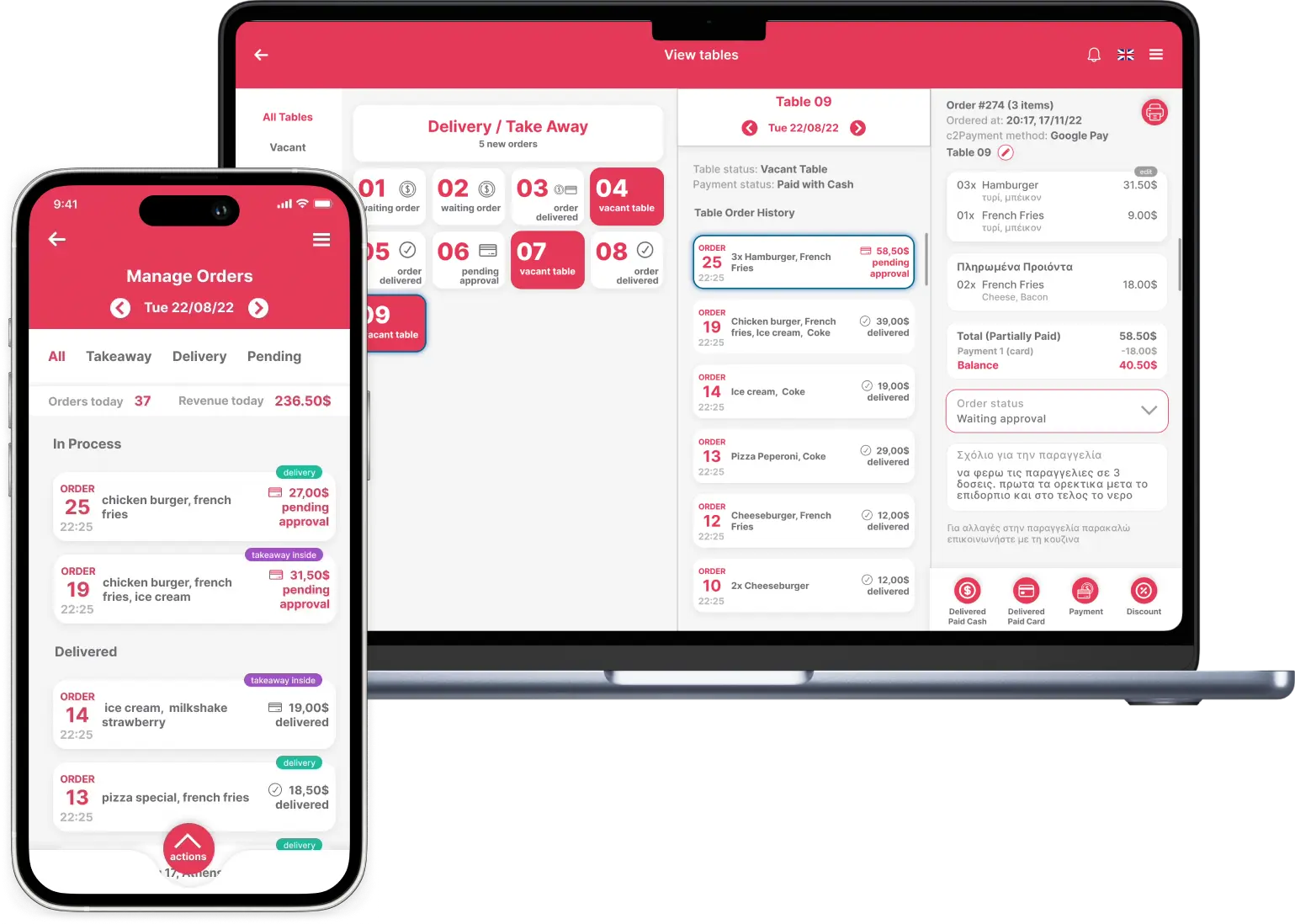
Workflow comparison
Digital Ordering vs Paper Order Pads
Paper is familiar and works without setup, but every handwritten order depends on interpretation and physical transfer. Digital ordering creates a shared record that can move from table to kitchen and reporting without being rewritten.
Workflow comparison
| Criterion | Paper pad | Digital ordering |
|---|---|---|
| Order transfer | Carried or called to production | Sent immediately to the correct station |
| Modifiers | Handwritten and open to interpretation | Structured options with clear pricing |
| Status visibility | Requires asking the kitchen | Shared new, preparing and ready states |
| Reporting | Manual counting after service | Data recorded as work happens |
Step 1
Paper can remain a fallback, not the source of truth
A resilient operation can keep an emergency process while using the digital order as the normal shared record.
- Define an outage procedure
- Avoid entering the same order twice
- Reconcile fallback orders after recovery
Step 2
Implementation succeeds through clear habits
Technology does not fix an undefined workflow. Configure menu structure, stations, modifiers and responsibilities before a busy service.
- Train with realistic orders
- Assign an owner for menu changes
- Review delays and corrections daily
Digitise the handoffs that create errors first
Start where information is rewritten or verbally repeated: table to kitchen, phone to delivery and counter to preparation.
FAQ
Frequently asked questions
What if the internet drops?
Use a documented fallback and a system with offline or recovery support appropriate to your setup.
How long does staff training take?
It depends on menu and workflow complexity. Train by role and practise the most common exceptions.
Can paper and digital run together?
During transition, yes, but define one source of truth to prevent duplicate or missed orders.
Related Quickord solutions
Map your order flow before replacing the pad
A Quickord demo can follow a real order through your front of house, kitchen and reporting workflow.
Book a Quickord demo