
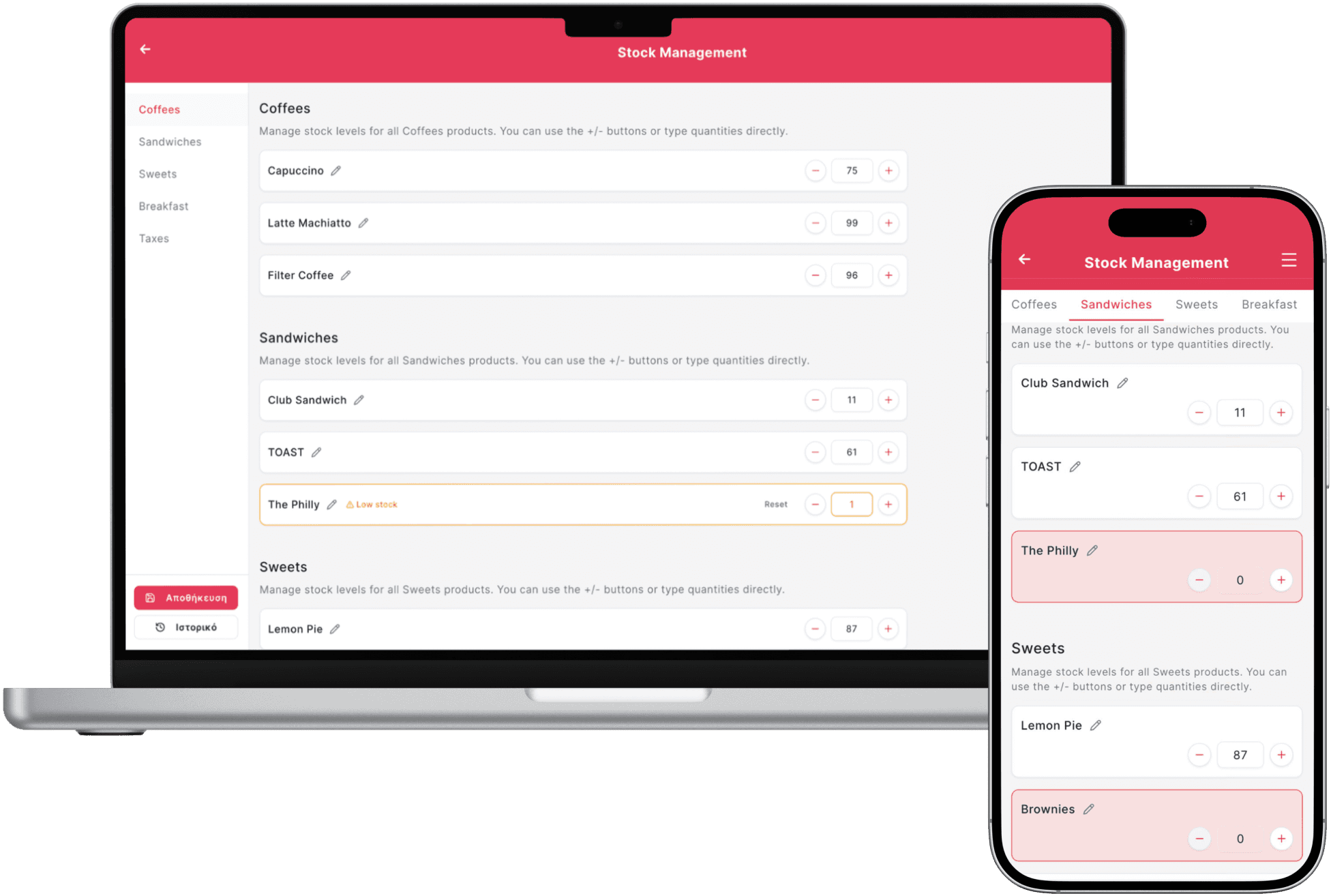
Inventory comparison
Manual vs Digital Restaurant Inventory Management
Manual stock control can work for a small, stable catalogue, but it becomes difficult to maintain when sales, recipes and deliveries change throughout the day. Digital inventory reduces the delay between what happened and what managers can see.
Control comparison
| Criterion | Manual inventory | Digital inventory |
|---|---|---|
| Updates | Periodic counts and spreadsheet entry | Sales and adjustments update records |
| Low stock | Found during a count or service | Threshold alerts can surface risk earlier |
| Variance | Investigated after the period closes | Expected and counted stock can be compared |
| Decision speed | Depends on the latest manual file | Current data supports purchasing and prep |
Step 1
Digital records still need physical counts
Waste, portion differences and unrecorded movement mean the system estimate must be reconciled with reality.
- Count high-value items frequently
- Record waste with a reason
- Investigate repeated variance
Step 2
Start with products that drive cost
Do not model every garnish on day one. Begin with expensive, fast-moving or frequently unavailable ingredients.
- Define units consistently
- Connect recipes to sellable items
- Assign responsibility for deliveries
Accuracy comes from process plus software
Digital inventory makes movement visible, but receiving, waste and counts must still be recorded consistently by the team.
FAQ
Frequently asked questions
Does digital inventory eliminate stock counts?
No. Physical counts remain necessary to verify actual quantities and investigate variance.
What should be digitised first?
Start with high-cost, fast-moving and frequently unavailable products.
Can inventory connect to orders?
Yes. Product or recipe mapping can reduce expected stock as sales are recorded.
See how orders and stock connect in Quickord
We can use a sample menu to demonstrate product mapping, alerts and daily stock control.
Book a Quickord demo